CloudSQL SQL Editor is designed specifically for Oracle Fusion developers. You can run heavy queries in the background while still analysing data, crafting new queries, or managing reports, ensuring that your time is not wasted waiting for an execution to complete.
Why is Background SQL Execution Required?
In Oracle Fusion, executing large or complex SQL queries through BI Publisher can be quite time consuming even when the best SQL developers are at work. BI Publisher tends to have a tough time handling very large result sets, which can lead to errors when queries pull in massive amounts of data.

This issue can be particularly problematic during report generation or data analysis that involves multiple joins or aggregations.
CloudSQL’s Run in Background feature allows you to run heavy queries without freezing or crashing your SQL editor. This means you can keep working on other tasks like editing queries, exploring schemas, or creating reports without missing a beat in your workflow.
How to Run an SQL in Background?
Step 1: As usual, enter your SQL query in the worksheet editor and ensure it is syntactically correctly for execution.

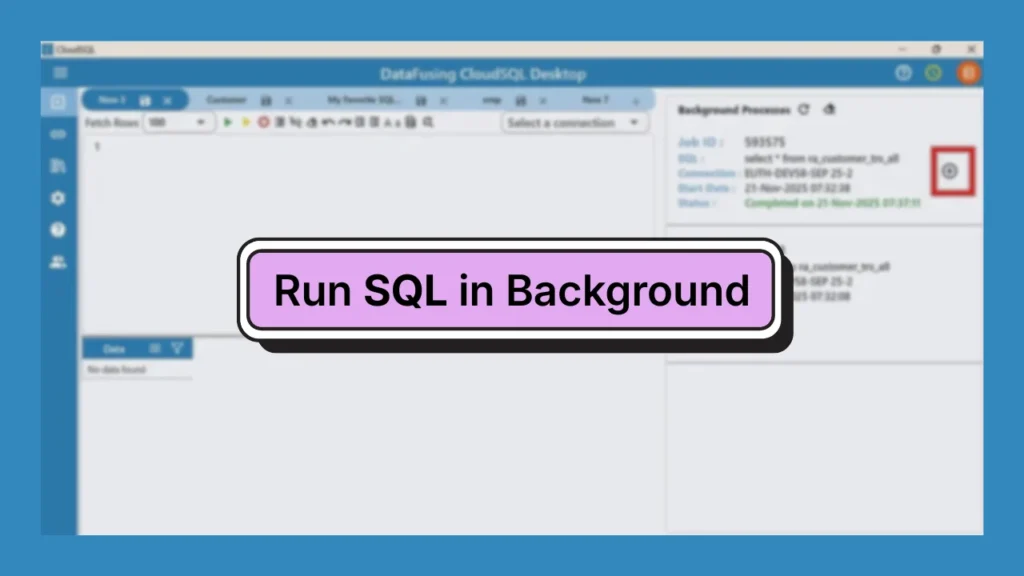
Step 2: Click the yellow “Run in Background” button above the editor to run your query.

This will send your query to run in the BI environment without interrupting your workspace.
Step 3: Check the job status using the Expand option.

Here, you’ll see details like the Job ID and the SQL statement that’s currently being executed.
Step 4: Monitor the job’s progress in the panel below.

Tip: Don’t forget to refresh the panel from time to time to see any updates.

Once the status changes to “Completed,” it means your query has finished running, and you can go ahead and view or export the results.
How to View Results?
Once your background query shows “Completed,” just click the plus (+) icon to expand and see the results right in CloudSQL.

The results panel presents your dataset in a tidy format, making it easy to scroll through, check values, and analyze data within the workspace. Plus, you can export the results in formats like CSV or Excel for reporting or sharing.
At DataFusing, we are constantly improving CloudSQL for you by adding more and more features. Click here to start 30 Days-Free Trial today.