For organizations implementing Oracle Fusion Applications, data migration is one of the most critical workstreams of the project, running in parallel with functional configuration, report development, and integration development. Migrating data into Oracle Fusion follows an Extract, Transform, Load (ETL) process, culminating in a reconciliation step to ensure accuracy and completeness.
In fact, Oracle Fusion data migration reconciliation plays a vital role in ensuring accuracy, completeness, and business trust throughout the entire process.
Oracle Fusion data migration must be performed using Oracle-provided methodologies, such as HDL (HCM Data Loader) for HR data and FBDI (File-Based Data Import) for Finance/Procurement.
In practice, migrations happen in iterative cycles where the end-to-end migration process will be repeated iteratively, identifying and fixing data and configuration issues:
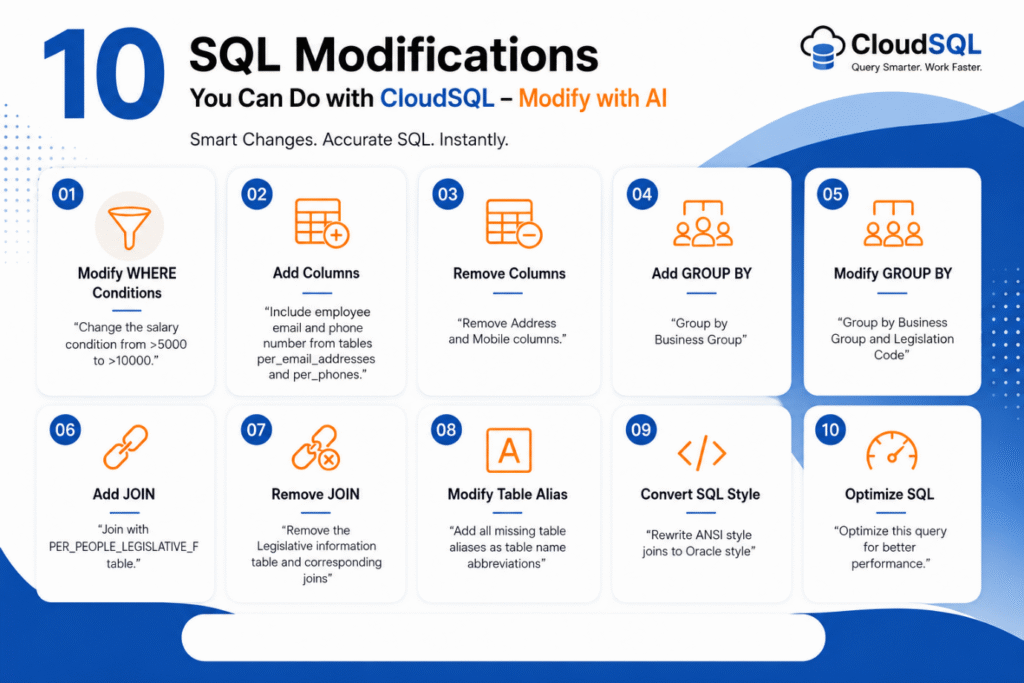
We will also demonstrate how DataFusing CloudSQL can deliver exceptional value to data migration consultants at different stages of the migration process.
Stages of Oracle Fusion Data Migration
The data migration process in Oracle Fusion is carried out in four key stages. Each stage plays a crucial role in ensuring that data is clean, validated, and accurately loaded into the system. These stages also help minimize errors and speed up the migration cycle. Let’s look at them in detail:
Stage 1: Data Extract
The first step is pulling data from your source system. This is usually done using SQL queries or existing reports from the source application. The retrieved information needs to be exported as delimited flat files.
Pro Tip: Always prioritize cleansing data in the source system before extraction. Skipping this step can lead to time-consuming and complex manual cleanup on the extracted files, an almost impossible task when dealing with large data volumes or tight migration timelines.
Also Read: Complete Guide to Oracle BI Publisher Performance Tuning for Fusion Applications
Stage 2: Data Validation & Transformation
When data is extracted, it is necessary to validate and, if required, reshape it so that it conforms to the requirements of Oracle Fusion. Pre-validation allows for the identification of problems earlier in the process, as opposed to waiting for reports of errors generated by Oracle. Some of the key validation checks are:
- Completeness: Record the number of and sum the records.
- Accuracy: Checksums or sums confirm that the values are consistent within and between files.
- Consistency: Verify referential integrity (e.g., matching customer IDs).
- Format: Verification of the incorrect date, number, and character formats.
- Validity: Ensure that values passed Oracle’s lookups and business rules (e.g., multiple customer records).
We recommend using a staging database, commonly the Oracle Autonomous Database on OCI, as the landing area for data files. This environment allows developers to automate validation and quality checks efficiently using SQL and PL/SQL scripts.
Tip: Oracle provides free databases on Oracle Cloud Infrastructure (OCI). To reduce expenses, these databases can be employed as a staging area. Here is how you can set up an autonomous database.
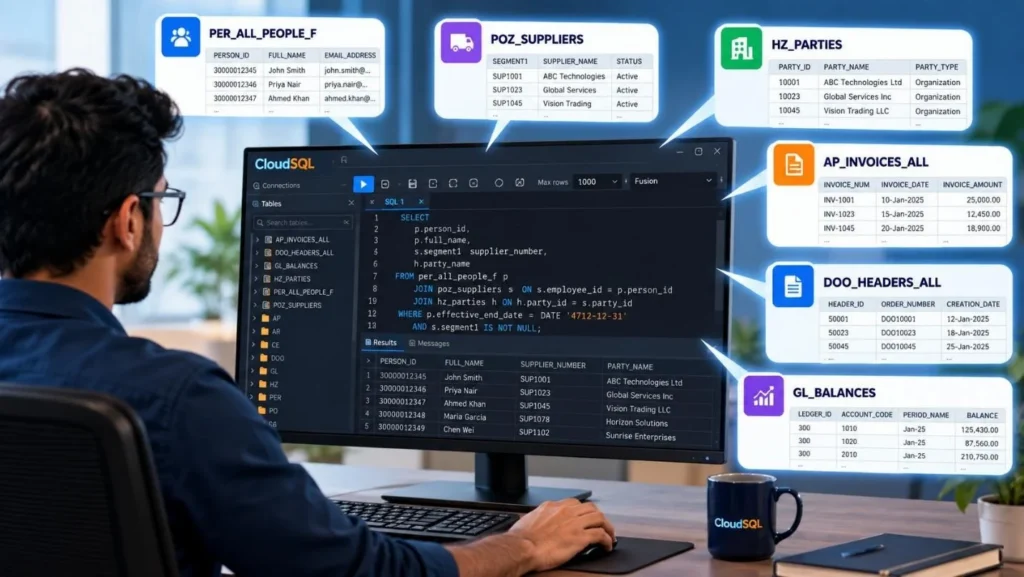
CloudSQL Use Case 1: The CloudSQL SQL Editor delivers significant value during the validation stage. With it, developers can quickly build SQL queries to extract lookup and referential data from Oracle Fusion, retrievable with a single click. This data can then be loaded into the staging area, enabling rapid cross-checks against source data through automated scripts.
In addition to validations, certain data transformations must also be carried out. Common transformations and validations include:
- Applying constants
- Validating against Oracle configurations
- Transforming data using mapping datasets
- Performing concatenation and other string operations
- Applying advanced SQL or PL/SQL transformations and validations
- Ensuring uniqueness and resolving duplicates
Many projects utilize advanced Oracle data migration tools, such as DataFusing CloudMigrate, to automate validation and transformation rules without requiring manual coding. Below are the rule types available in the CloudMigrate data migration solution:

Stage 3: Data Load to Oracle Fusion
After the data has been validated and transformed within the staging area, the next step is to load the data into Oracle Fusion. This is achieved by generating HDL (HCM Data Loader) or FBDI (File-Based Data Import) templates, which can be created using SQL or PL/SQL scripts. These files are then processed within Oracle Fusion.
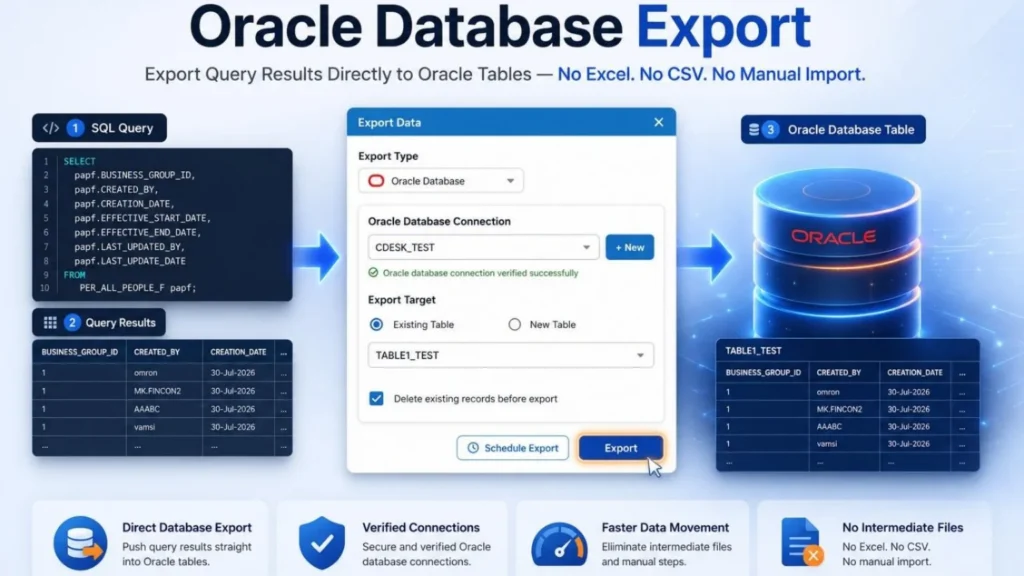
Tip: If you wish to automate the process, Oracle Data APIs can load the files and run the scheduled processes automatically. This would save a considerable amount of time on manual operations and speed up the time between repeated cycles. Tools, including CloudMigrate, let you send the file to Oracle Fusion with a single click.
Must Read: Complete Guide to Oracle Fusion Custom Report Builder and CloudSQL Advantages
One of the hurdles of this step is analyzing the errors. During this step, Oracle has the potential to provide a complex answer, which can be challenging to interpret, especially when interacting with large sets of data or datasets that depend on each other.
This is why the pre-validation step is crucial; it eliminates load stage errors, thus saving time. The rule of thumb is that if you encounter an error in loading during a data migration cycle, add this as a pre-validation rule for the next cycle. This will ensure that this error will be caught early in future cycles.
CloudSQL Use Case 2: Developers can leverage CloudSQL to query Oracle Fusion staging and error tables directly for in-depth error analysis. This provides a higher level of sophistication compared to relying solely on Oracle’s standard reports.
Stage 4: Reconciliation
Data migration does not end after loading; it entails proving that the data was accurately transferred. Following the migration, business users and auditors require evidence that the data are not just present, but also consistent.
This is where Oracle Fusion data migration reconciliation becomes essential. It provides the framework to confirm completeness, accuracy, and consistency of migrated data.
These are all the invaluable advantages that reconciliation is there for, and ensures:
- Completeness: Every item from the source is included in Fusion.
- Accuracy: The source values match those in Fusion.
Hopp Tech and Data fold are very correctly emphasizing reconciliation as an integral part in the preservation of data trust and integrity in any migration.
- Summary-level checks: Verifying balances and record counts. For example, running the Accounts Payable Trial Balance after migration ensures that balances in the source system match those in Oracle once the data is loaded.
- Detailed checks: Validating individual fields in Oracle Fusion against the extracted source data. For instance, confirming that all address line items for a customer record match exactly between the source and the loaded data.
Reconciliation Methods & Tools in Oracle Fusion
The simplest approach to data reconciliation involves:
- Extracting the loaded data from Oracle Fusion (using OTBI or BI Publisher reports).
- Comparing it against the source data.
- Validating field by field either through manual review or programmatically.
Tip: For smaller datasets, tools like Excel VLOOKUP can be surprisingly effective. Copy source data and loaded data into separate sheets, then use formulas in a third sheet for comparison.
In more complex data sets, where volume grows and intricate details become involved, automation becomes a necessity. Tools like CloudMigrate or custom SQL scripts perform faster and with a higher margin of safety during the less intelligent tasks of reconciliation.
For larger volumes, automated reconciliation is critical. This is where Oracle Fusion data migration reconciliation tools like CloudMigrate or custom SQL scripts provide faster and more reliable validation.
Here is an example of a reconciliation report generated by CloudMigrate.

CloudSQL Use Case 3: Extracting data for reconciliation is often considered one of the most challenging tasks. Standard approaches, such as OTBI or BI Publisher reports, can prove effective. However, the resulting data usually arrives in an unexpected format. Additionally, extraneous records may surface if the system holds preexisting information. Specific fields might be absent from these standard reports.
Direct SQL extraction effectively addresses these challenges. Use Cloud SQL to run queries and obtain reconciliation results with one-click execution. This ensures a more accurate Oracle Fusion data migration reconciliation process.

You Can’t Ignore: Oracle Fusion Ad Hoc Reporting Made Easy with CloudSQL
Data Migration Cycles
Data Migration happens in cycles. Below is a typical list of cycles that is used. More cycles will be required for complex data migration requirements. Simple rollouts with straightforward requirements can be performed in as few as three cycles.
| Cycle | Performed by | Purpose | Expectation |
| DM1 – Development | DM Developer | Develop and test DM routines | Developer completes unit testing |
| DM2 – SIT | DM Developer and validated by Functional consultant | Test bulk load of data. Provide data for SIT testing | At least 50% of data is loaded |
| DM3 – UAT | DM Developer and validated by business super users | At least 90% of the data is loaded | At least 90% of the data is loaded |
| DM4 – Dress Rehearsal | Resolve and test the site data load issues. Provide data for UAT | Trial run for cut-over | At least 99% of the data is loaded |
| DM5 – Cutover | DM Developer and process validated by the cut-over manager | Load data for business use | 100% of the data is loaded |
It is considered best practice to allocate time for remediation cycles. For instance, during the SIT data load, if critical issues are discovered or requirements undergo significant changes, running an additional partial or complete cycle helps validate the updated routines before proceeding with the UAT data load.
Data Migration Considerations & Best Practices
- Conduct requirement gathering workshops early. Data migration workshops should be conducted immediately after the functional requirements are finalized. That way, teams can spot all the data sources and requirements upfront. Document those requirements formally to ensure everything is clear.
- Plan environments early in the project. Each data migration cycle should run on a fresh Oracle Fusion environment, either a brand-new instance (for new implementations) or a clone from production (for rollouts). While Oracle now allows quick environment cloning, proper planning ensures enough environments are available and helps avoid surprises or conflicts between project teams.
- Load data only after functional configuration is complete. Functional teams must align with the data migration cycle timeline to ensure seamless integration. It is also best practice to back up the environment after configuration is complete and before starting data migration, providing a configured environment is available if a re-run becomes necessary.
- Keep data extracts simple. Data extracts should stay as straightforward as possible. If they get too complicated, bugs can sneak in early on and create big problems. Reconciliation occurs against the extracted data to prevent issues from slipping through undetected later. That’s why all transformations belong in the staging area.
- Formalize the process of getting files from the source by adding a sign-off process from the SIT data load.
- Use an end-to-end data migration tool like DataFusing CloudMigrate to validate, transform, load, and reconcile the data in a structured approach.
- Oracle Data structures are very complex. So, employ experts in Oracle data migration in the team. People who are not familiar with Oracle data structure will struggle to deal with the complexity.
- Ensure business validation. Business teams must review and sign off on all reconciliation output files, starting with the SIT data load stage. This step strengthens the Oracle Fusion data migration reconciliation process by ensuring business approval.
- Capture all data migration steps from SIT data load onwards to feed into the detailed cut-over plan. Execute this cut-over plan from UAT onwards, capturing the time taken for each activity.
- Any defects raised need to be captured in the defect log and addressed before the next data load.
- In SIT and UAT, testing scenarios should explicitly cover testing on migrated data. This ensures better control over Oracle Fusion data migration reconciliation across all project phases.
Don’t Miss: Use Oracle Fusion Data Export to Excel Via SQL
Frequently Asked Questions (FAQs)
Can I migrate data without a staging database?
In theory, yes. You can directly populate FBDI templates and use Oracle Fusion error reports to validate. It is practical for small data loads. However, with large data models involving tens of migration objects, we need to automate the data loading process. Because when we transition from the old system to the new system, there is a limited time window during which the business can stop entering data in the old system and start entering it in Oracle Fusion.
Can we automate migration validation?
We recommend doing this. Otherwise, it won’t be possible to run all scripts at the time of cut-over, where there will be limited resources. This can be automated by using a PL/SQL script on an Oracle database or a data migration suite, such as CloudMigrate.
How long will it take for an Oracle Fusion Data Migration project?
Data Migration project timelines should align with the overall project timeline. For an implementation project, the duration typically ranges from 5 to 12 months. Data migration should fit into this timeline.